
As an Official Shopify Partner, we build stores that are meant to be run, not babysat, from first setup through checkout configuration, catalog structuring, and app customization. Whether you're launching a first store or migrating an existing one onto Shopify or Shopify Plus, we handle the build directly and hand it over fully documented.
Ideal for
Brands launching a new Shopify store, migrating from another platform, or outgrowing a store that was never properly structured.
What’s included
- Shopify Store Setup & Build
- Shopify Plus Store Setup
- Theme & App Customization
- Checkout & Payment Configuration
- Product & Catalog Structuring
- Store Migration & Handover
Shopify Development.
Stores built around conversion, not around a theme
- Store builds, migrations and theme work
- Conversion-focused product and cart pages
- Checkout, payments and COD configured
- Funnel audits backed by session data
- Average order value and bundling work
- Structured CRO tests, not opinion-led redesigns
Every build includes
Signs You Need Shopify Ecommerce Development.
You're launching your first Shopify store and don't want to start from a generic template
Your current store was built quickly and has become hard to manage or extend
You're migrating from another platform and need a clean, documented move
Checkout, catalog, or app conflicts are creating manual workarounds for your team
The Process, Step by Step.
Step 01
Store Architecture & Planning
We map catalog structure, collections, and checkout requirements before any theme work starts, so the store is built around how you actually sell.
Step 02
Theme & App Build
Theme customization and app integrations are handled directly by our team, configured to your catalog rather than bolted on generically.
Step 03
Migration & Data Handling
For migrations, product, customer, and order data move across cleanly, with redirects and SEO structure preserved.
Step 04
QA, Launch & Handover
Every store is tested across devices and payment flows before launch, then handed over fully documented so your team can run it day to day.
Where This Played Out.
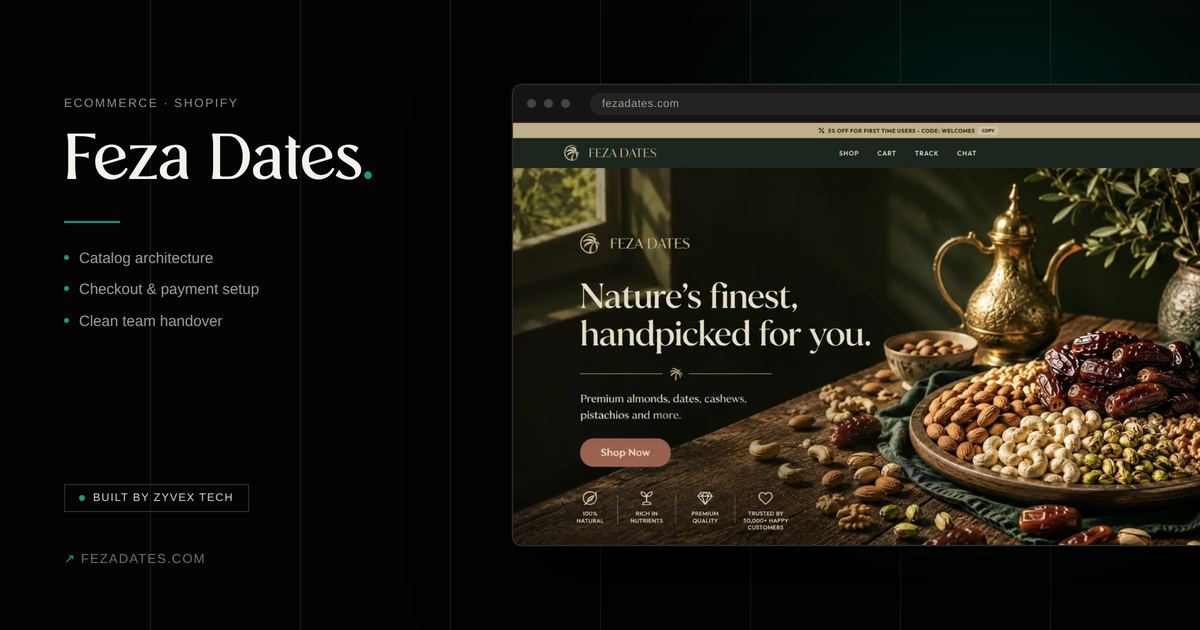
Feza Dates
Ecommerce · Shopify
A Shopify store build for a dates and gourmet-foods brand, structured for a catalog that leans heavily on gifting and seasonal demand.
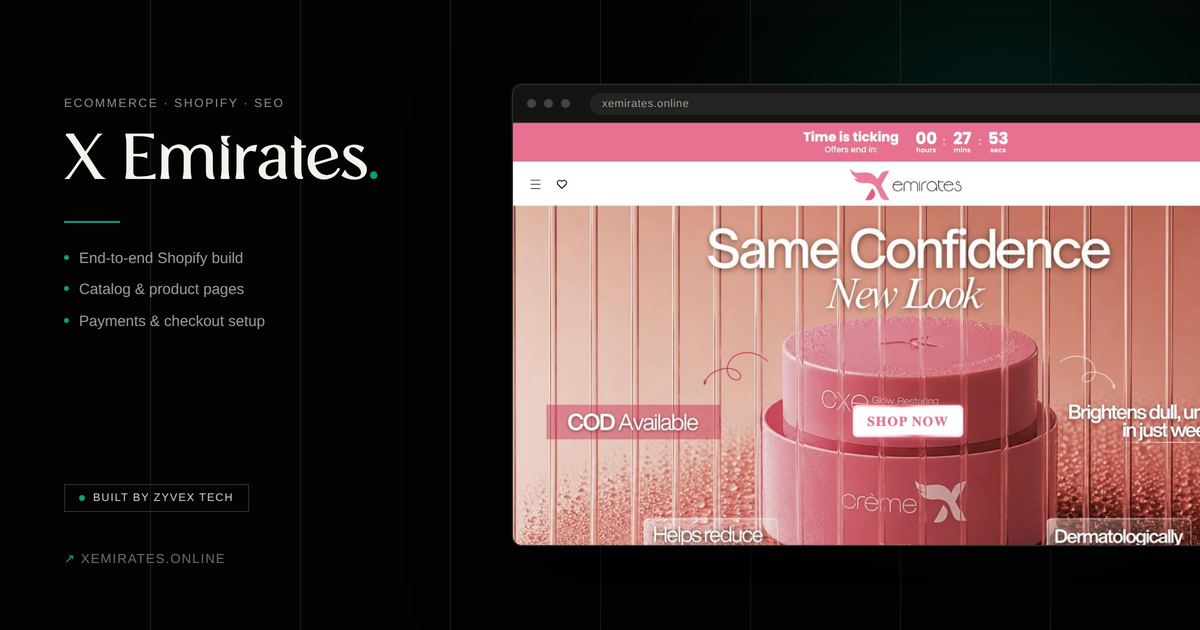
X Emirates
Performance Marketing · Shopify
A skincare brand selling through WhatsApp messages, moved onto a Shopify funnel and a rebuilt ad account, reaching up to 8x ROAS at an 8% conversion rate.
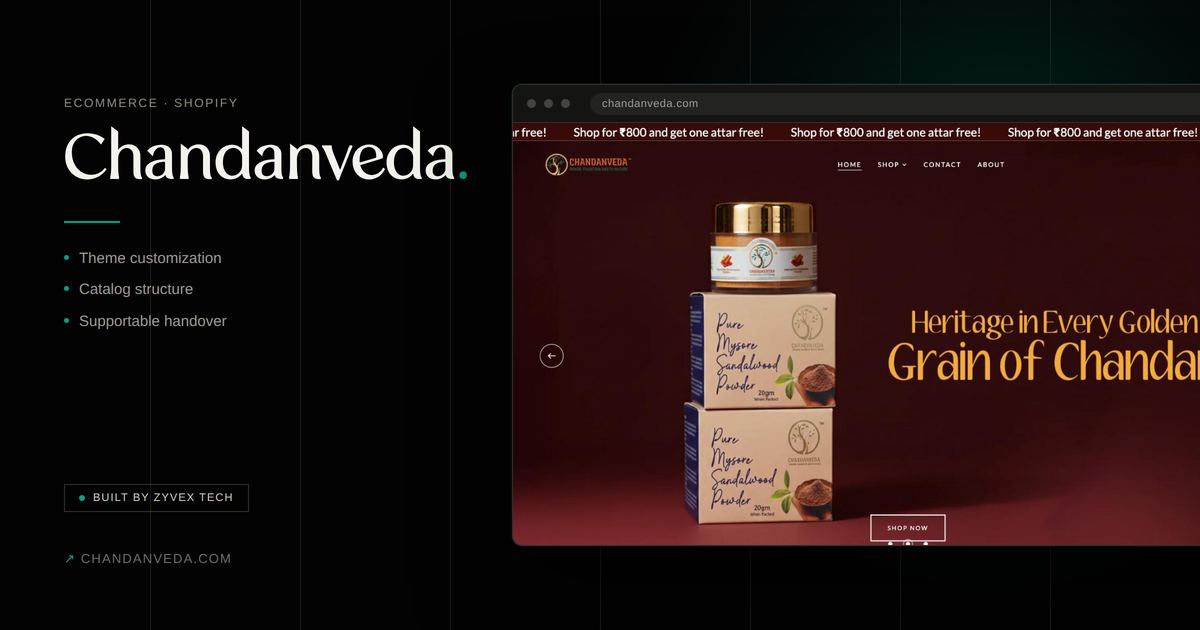
Chandanveda
Ecommerce · Shopify
A Shopify store build supporting Chandanveda's product line and brand positioning online.
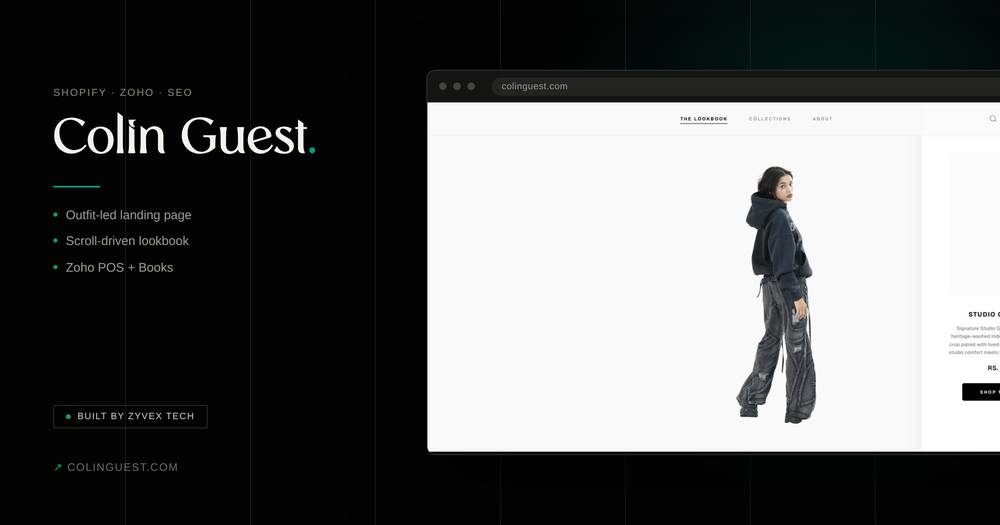
Colin Guest
Shopify · Zoho Integration · SEO
A Shopify build for a fashion brand that sells complete looks, not single items, with a scroll-driven landing section, and inventory and finance running through Zoho.
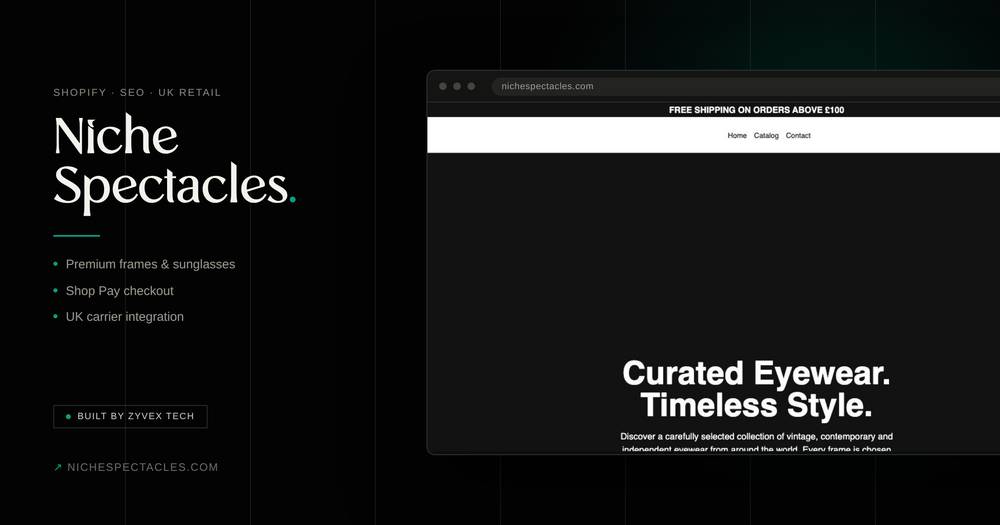
Niche Spectacles
Shopify · SEO · UK Retail
A UK eyewear store carrying vintage designer frames alongside its own contemporary lines, with Shop Pay checkout and UK carriers, plus ongoing SEO.
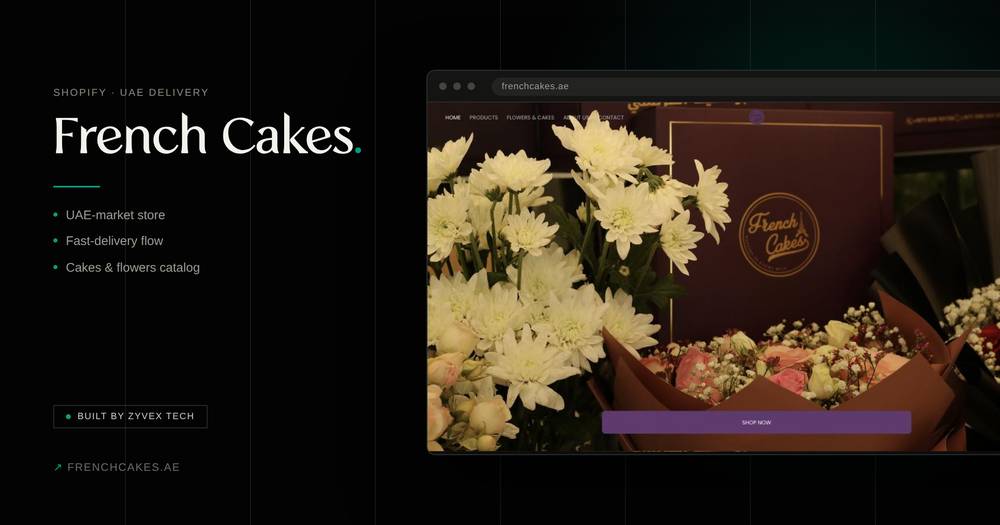
French Cakes
Shopify · UAE Market
A Shopify store for a UAE cakes and flowers brand, built around speed of delivery for occasion-driven buying.
Common Questions About Shopify Ecommerce Development.
Do you build on standard Shopify or Shopify Plus?
Both, depending on your operational complexity. We'll recommend the right tier based on your checkout, multi-storefront, and automation needs, not push Plus by default.
Can you migrate an existing store without losing our SEO rankings?
Yes. Migrations include a redirect and structured-data plan specifically to protect the rankings and traffic the existing store has already earned.
Who manages the store after launch?
Your team, using the documentation and training we hand over, with Zyvex Tech available for ongoing support or further builds as needed.
How long does a Shopify build take?
It depends on the project scope, but most builds take 3 to 4 weeks from consultation to launch. We confirm the timeline before you commit.
How much does a Shopify build cost?
It depends completely on the scope, since every build is customised. You get a clear quote after the consultation, before any work starts.
Do you build custom projects beyond Shopify themes?
Yes. Alongside Shopify themes and Liquid, we build custom projects in React, from custom storefronts to web apps and tools.
Do you offer ongoing support?
Yes. After launch we offer ongoing support for fixes, updates and improvements. You also get full documentation, so your team is never locked in.
Can you handle the marketing too?
Yes. Performance marketing, SEO and retention run as one system with the store, by the same team, so fixes on the store ship without waiting on another vendor.
Next service
Performance Marketing
Let's Build Your Next System.
Reach out to talk through your funnel, your store, or your next system.
Start a conversation